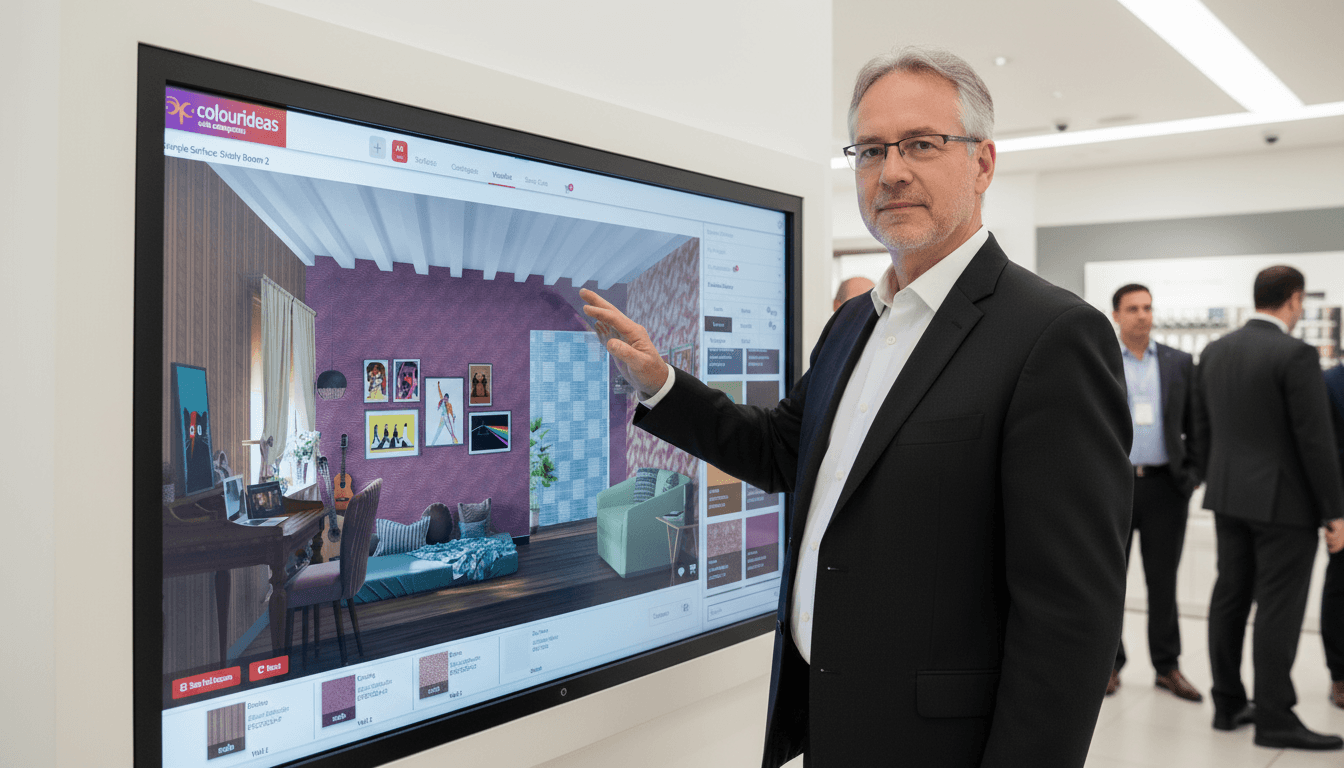
A responsive art microsite where children play their way through a museum collection, paired with a custom editor that lets the museum publish new stories without a developer.

//
Category
Museum Learning • Interactive Web • Content Management
//
Stack
JavaScript • GSAP • HTML/CSS • Python
// 1 -
Project Overview
Museum collections hold stories that labels alone rarely reach, and a curious ten-year-old is the visitor a label serves least. MAP Kids turns the Museum of Art & Photography’s collection into short, playable stories built around close looking, hands-on activities and characters who guide the way. It opens in a browser on any device, with no sign-up and nothing to install. We developed a reusable activity system for guided stories, multiple-choice quizzes, jigsaws, sequence games, sliders, rating scales and personality questions, with images, video, sound, hints and animated feedback giving each activity its own rhythm. The experience is designed on a single canvas and scaled by one rule, so a story stays composed from a wide desktop down to a 390px phone, while the home page reflows into a stacked collage on smaller screens. The content set includes six journeys and activities, from Bhuri Bai’s story to photography, textiles and art-based reflection. Behind the visitor experience, a custom editor lets museum teams arrange steps, update media, preview feedback and manage what is visible. The editor and the site share the same module definitions, so the preview pane runs the real product rather than an approximation of it, and a new activity type appears in both as soon as it exists. Our work connects the visitor interface, interaction logic and content tooling in one maintainable platform.
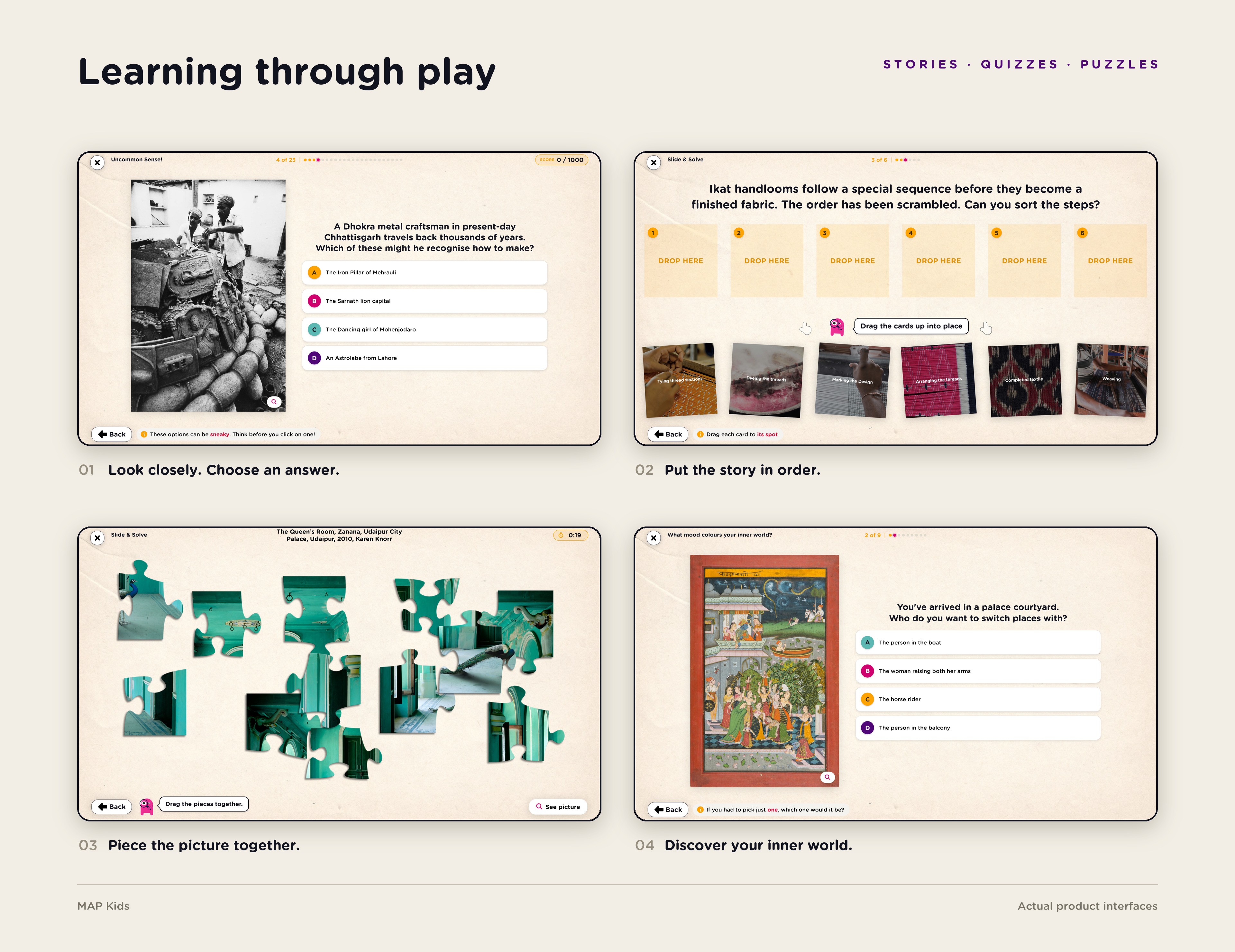
Learning through play
Close-looking questions, sequence games, jigsaws and personality activities turn artworks into invitations to participate.
One design, every screen
The same layout holds from a wide desktop down to a 390px phone, where the spotlit gallery wall reflows into a stacked collage and the story cards fold from art-beside-words to art-over-words.

Made for museum teams
A step timeline, live preview and content controls sit together in the custom editor. The preview pane runs the same code as the published site, so teams see exactly what visitors will get as they build it.
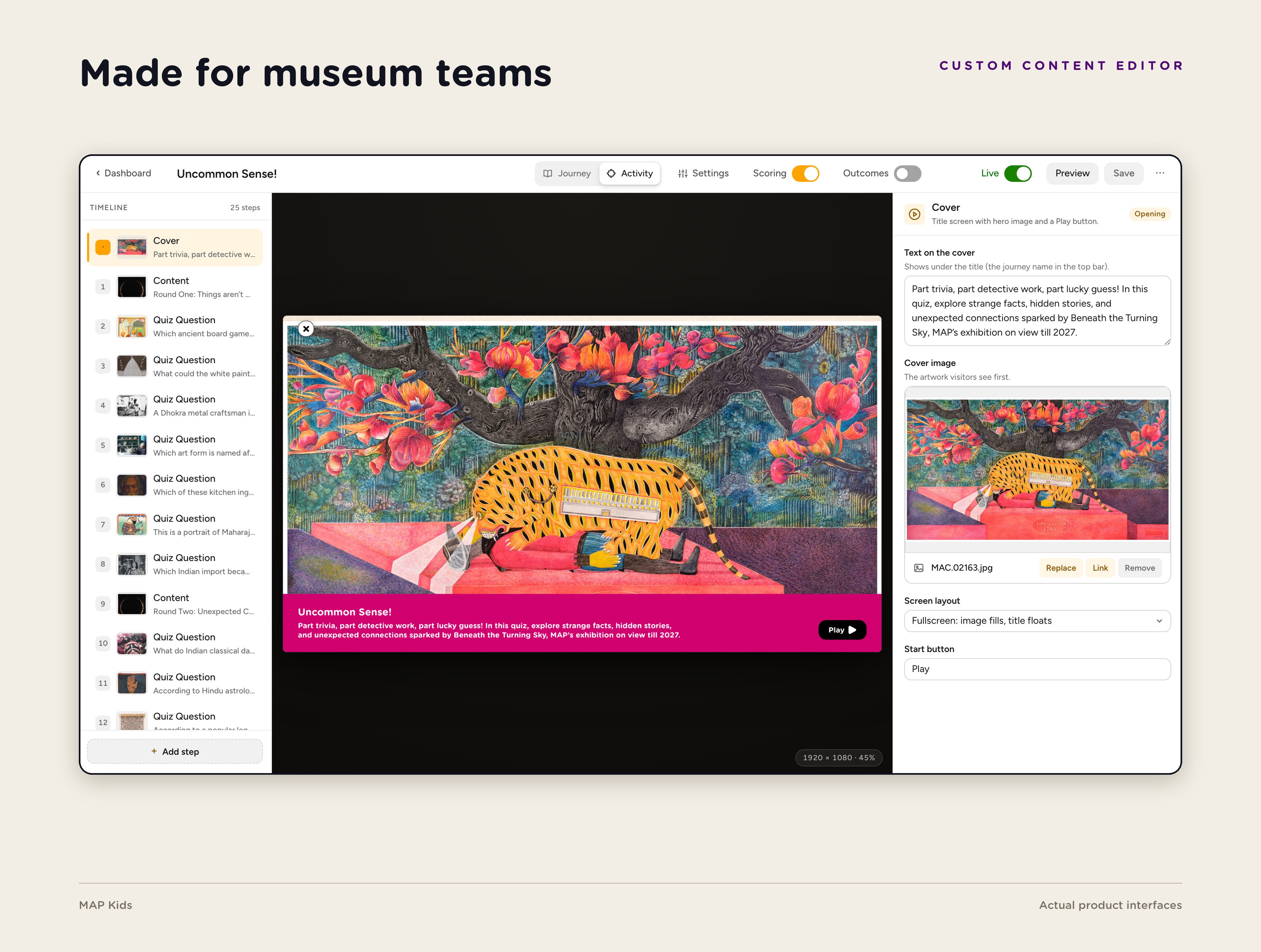
Interface captures from the project. Collection artwork appears within the supplied museum content; images with accession numbers are courtesy of the Museum of Art & Photography (MAP), Bengaluru.
// 2 -
Key Features
Browse stories and activities by artist, topic or game type, with search and curated filters.
Explore art through quizzes, jigsaws, sequence games, sliders and personality questions.
Combine images, video and sound with hints, feedback and optional activity scoring or outcomes.
Build and reorder content in a visual editor whose preview runs the live product, not a mock-up.
Read the same layout on laptop, tablet and phone, with a session reset that keeps shared devices tidy.
// 3 -
Deliverables
Responsive home page, story browser and journey player
Reusable library of nine story and activity module types
Custom content editor for journeys, activities and featured content
Media, scoring, outcome and animated feedback integration
Python content service and backend integration documentation
For museums, galleries and cultural collections that want younger audiences to explore their holdings by playing, on whatever device they already have, with tools that let their own teams keep the experience growing.
Tell us what you’re planning. We’ll help define the right solution.