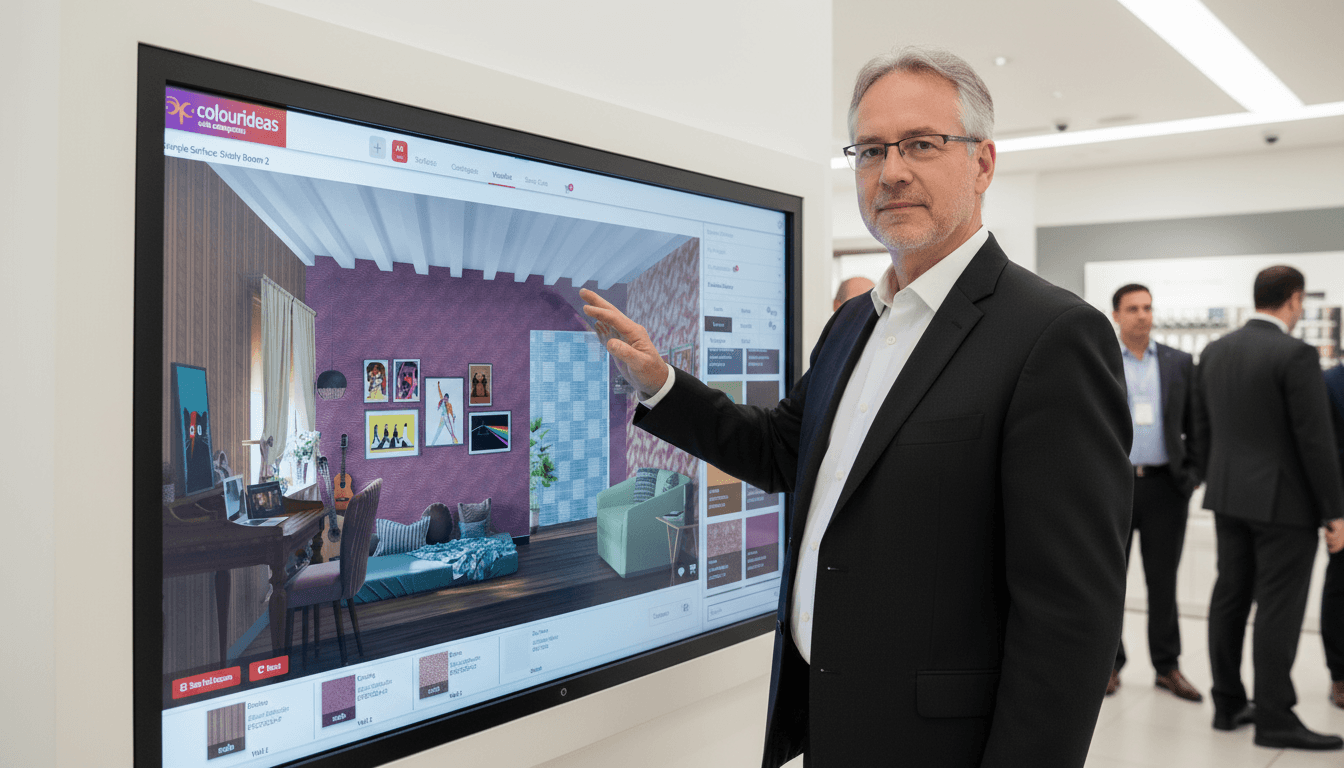
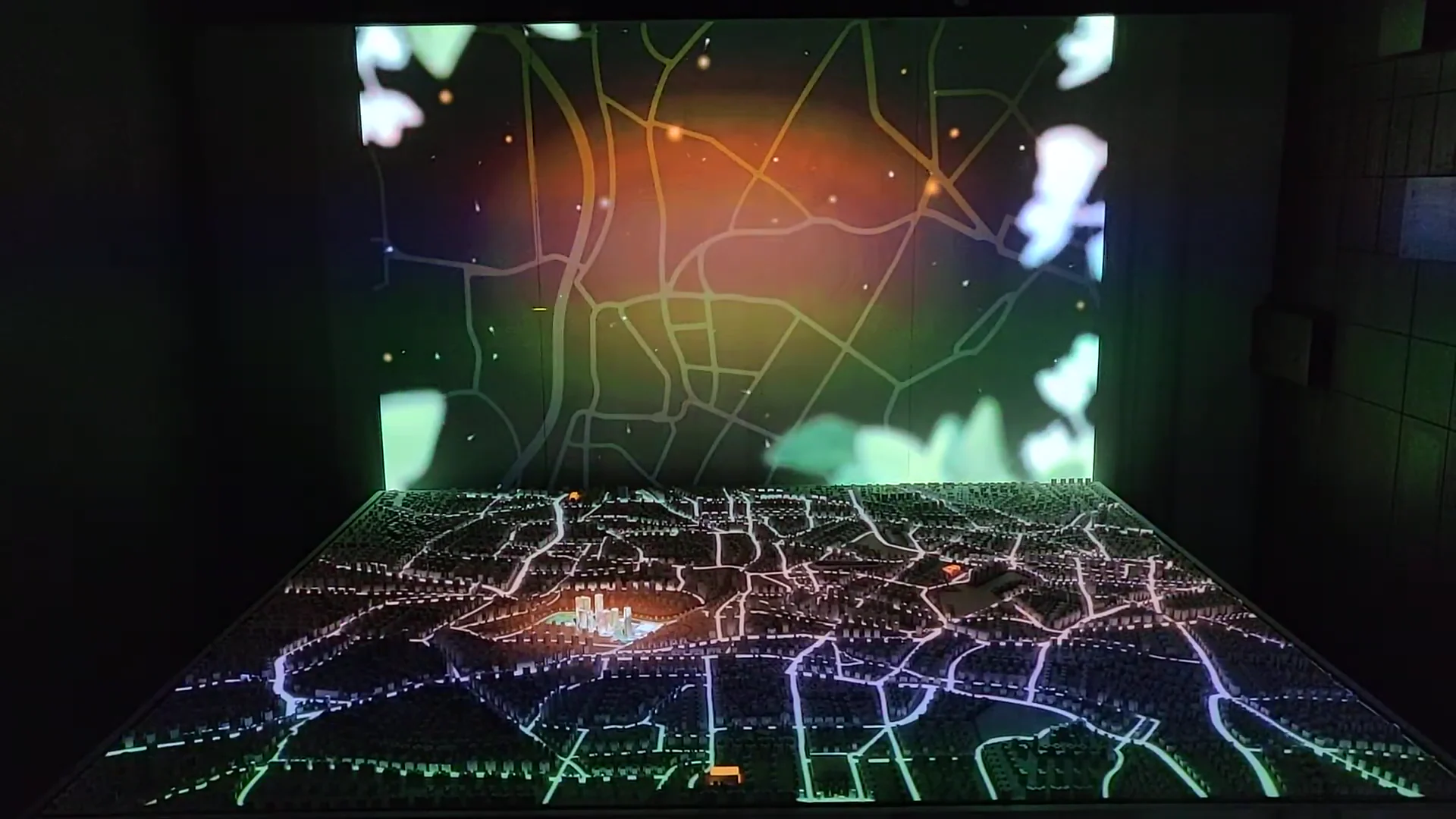
A tablet-controlled presentation connecting a physical scale model and front projection to explain a development’s location, routes and amenities.
//
Category
Projection Mapping • Interactive Installations • Real Estate
//
Stack
Resolume Arena • TouchDesigner • Android (Kotlin)
// 1 -
Project Overview
A development’s location is easier to understand when visitors can see how its surroundings connect. We brought a physical scale model and a front projection into one coordinated presentation, using light, motion and audiovisual content to explain the development in context. Routes and landmarks appear across the model while the front display introduces transport links, shopping, hospitals, education and green spaces. An Android tablet lets the presenter select a topic or play the full sequence, giving them control over how the story unfolds. Our work covered audiovisual content design and production, projection mapping and software configuration, and the tablet control application. We completed the experience on site through alignment, calibration and testing, followed by operator training and technical documentation.
// 2 -
Key Features
Coordinate projected content across the physical scale model and front display.
Highlight routes, landmarks and amenities with mapped light and motion.
Select individual topics or play the full presentation from an Android tablet.
Synchronise audiovisual sequences to carry the story across both surfaces.
Align and calibrate the projections to the installation’s physical geometry.
// 3 -
Deliverables
Audiovisual content design and production
Projection mapping setup and playback software configuration
Android tablet application for topic selection and playback
On-site installation, alignment, calibration and testing
Operator training and technical documentation
For sales galleries, exhibitions and retail experiences that need to connect a physical display with a presenter-led digital story.
Tell us what you’re planning. We’ll help define the right solution.